Make
Wire your stack together without writing code
Make is where most marketing automations actually get built. These guides cover the scenarios worth automating, the ones that break, and how the operation costs scale.
Visit Make →Our coverage
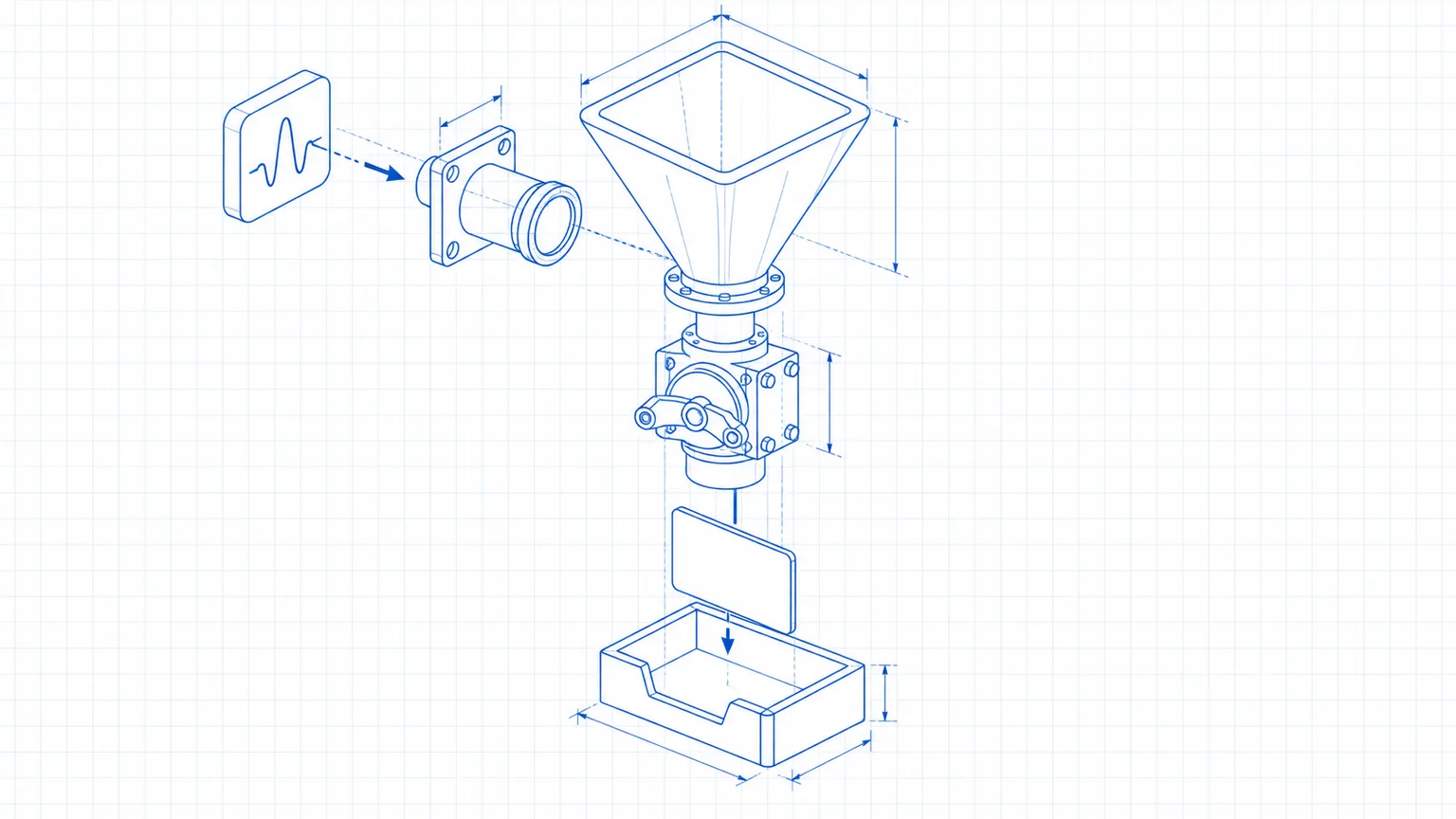
Make webhook setup: capture leads in 45 minutes
Follow this Make webhook setup to catch website leads instantly, validate each submission, block bad requests, and test the handoff safely.

n8n vs Make: which automation tool fits your business?
n8n vs Make compared on cost, setup, maintenance, and one real lead-routing build. Choose the right automation tool before moving your workflows.

Zapier alternatives for automation in 2026
Zapier is easiest to start, but Make, n8n and GoHighLevel can be cheaper or cleaner for the right automation job.

Make vs Zapier for marketing automation in 2026
Make is cheaper at volume, Zapier is easier to hand to a team. Here is the pricing math, workflow fit, and setup path for each.
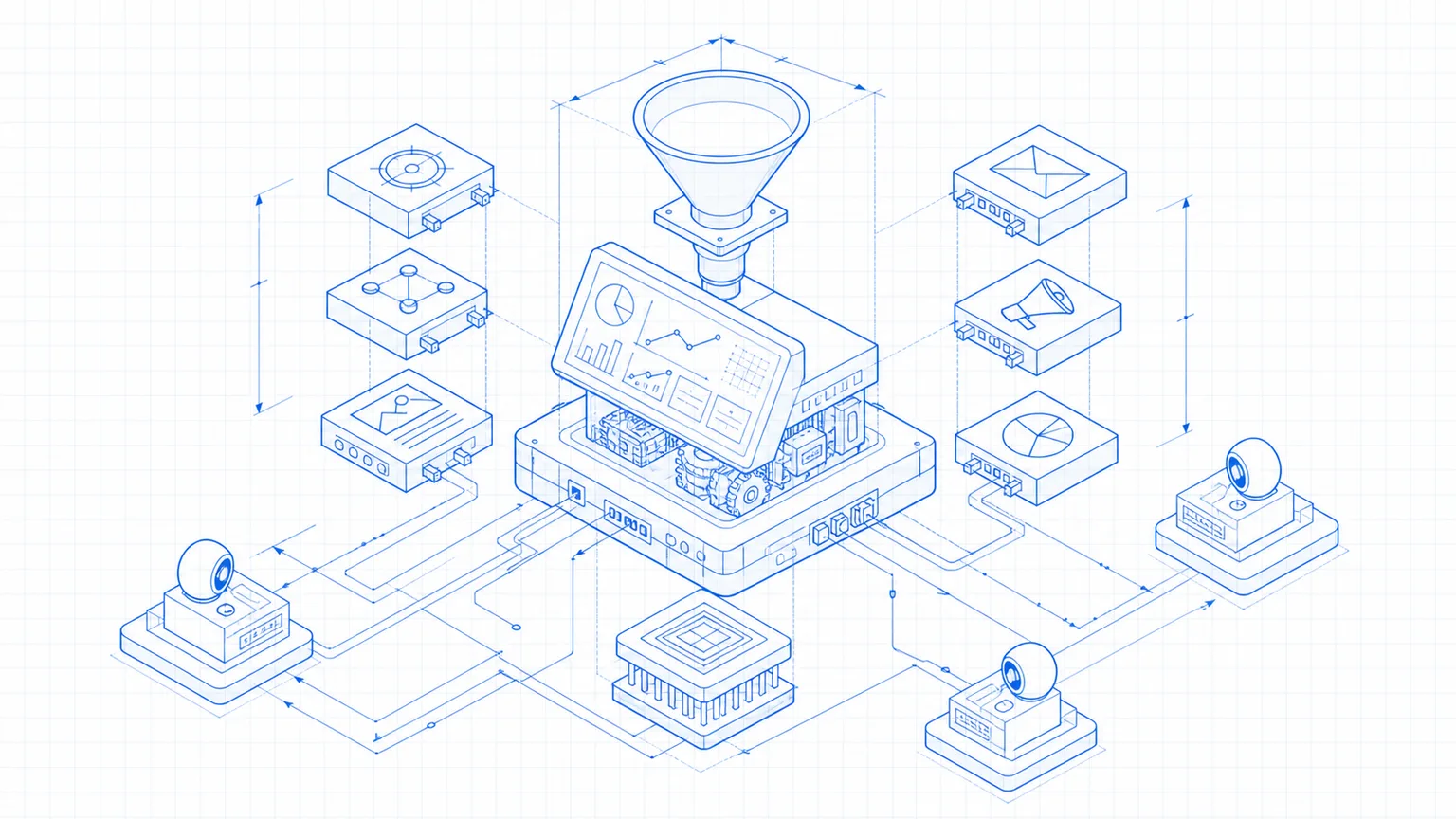
Best AI marketing tools for small teams in 2026
A four-tool AI marketing stack for writing, automation, voiceover, and sales copy, with real pricing and the exact first workflow to build.

Best CRM for automated lead follow-up in 2026
GoHighLevel wins for built-in speed-to-lead SMS and email. Three CRMs for lead follow-up automation, with pricing and the step that trips every builder.

Make.com pricing explained: what it really costs in 2026
Make now sells one paid plan with a credit slider. What the $9 Make Plan covers, how credits drain, and when Make beats Zapier. Checked July 2026.

Best AI automation tools for marketing teams in 2026
Make bills by credit, Zapier by task. Four automation tools marketing teams run, priced at real volume, with the job each handles and where each breaks.

Build a lead-to-CRM automation with Make in an afternoon
Wire a new lead into your CRM and fire an instant text and email, automatically. A speed-to-lead build with Make and GoHighLevel, step by step.
The move. A new lead hits a webhook, Make cleans and tags it, GoHighLevel stores it and fires an instant text plus email. Speed-to-lead on autopilot, built in an afternoon.
[ How to use this page ]
Start with pricing or review coverage if you are deciding whether the tool belongs in your business. Use the tutorials only after the tool already makes sense for your setup.